What is your developer-dependent CMS actually costing you? Calculate your costs and get a full report


Introduction
Manage your notifications
Choose whether Agility emails you when someone mentions you, and whether notifications play a sound.
Choose whether Agility emails you when someone mentions you, and whether new notifications play a sound.
These are your own preferences. They apply to your account in every instance you work in, and they do not affect anyone else.
Your notifications are in the Notifications drawer, which opens from the bell icon at the top right of the Content Manager. A number on the bell shows how many notifications you haven't read yet.
Open your notification settings
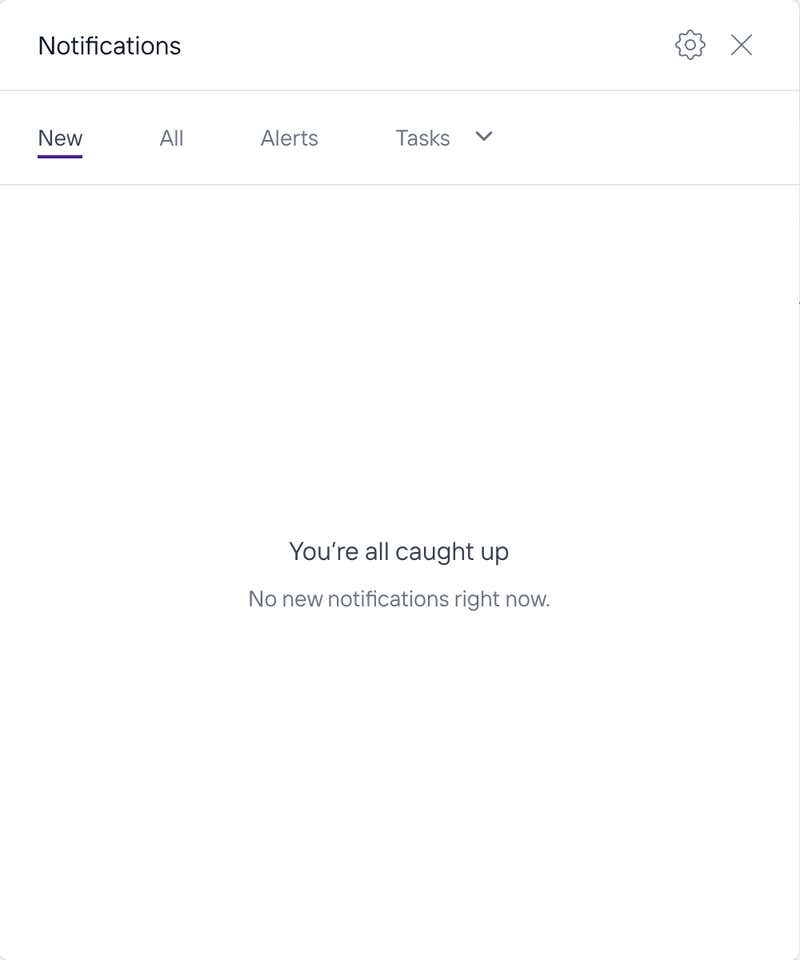
1. Click the notifications icon in the top right corner. The Notifications panel opens.
2. Click the settings icon in the top right of the panel.
Choose your settings
Email Notifications controls whether you get email updates when someone mentions you in a comment or thread.
Notification Sounds controls whether a sound plays for new in-app notifications.
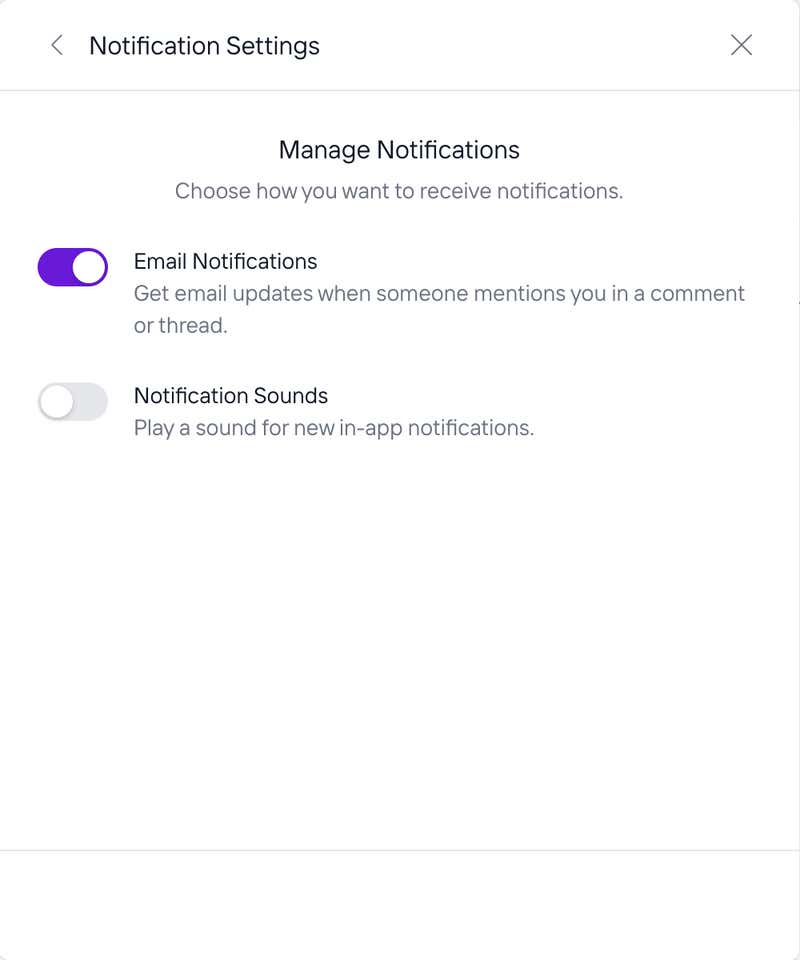
Each option is a switch and takes effect as you set it. Use the back arrow at the top left of Notification Settings to return to your notifications.
On this page